Manage Your Delhi School with Integrated ERP Software
A Clearer Communication Workflow for Delhi Schools
Start with the current student record, not an old diary note or a message buried in a staff group. For a school administrator, the practical sequence is straightforward: record the update, select the relevant parents, send the message, and retain the student information needed for the next follow-up.
This is where a School Management Software workflow earns its place. Attendance, circulars, SMS or WhatsApp alerts and student records remain connected, so the office team does not have to retype the same information in several registers.
Record the latest student update
A teacher or authorised coordinator records the attendance status or student update against the correct class and student profile. If the office later needs to check a date, section or previous note, the information is available from the same student record rather than from separate paper sheets.
Share relevant information with parents
The coordinator selects the intended parent group or student and sends an SMS or WhatsApp alert. A class-wide attendance message can be handled separately from a student-specific follow-up, reducing the chance of sending a private matter to an entire class.
Distribute circulars and announcements
Office staff prepare a notice with its subject, date and message, then share it with the selected classes or parent audience. This keeps the issued circular distinct from informal reminders and gives staff a clear reference when a parent asks what was communicated.
Refer back to current student records
Before answering a parent, the coordinator checks the current class, attendance entry or student detail in the ERP. That small step matters when sections change, a student has an approved absence, or two children in the same family need different updates.
Keep Attendance Updates Visible to Parents
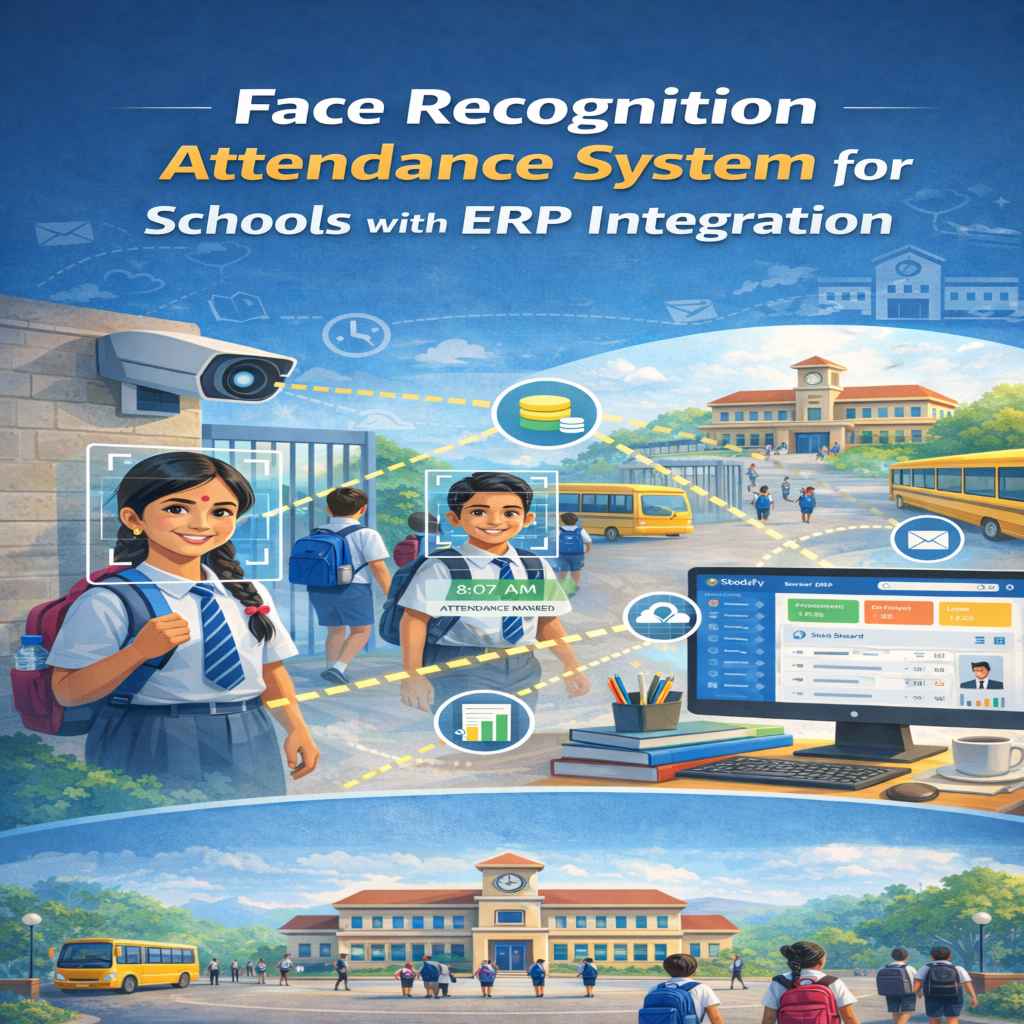
At 8:30 a.m., a teacher marks attendance on the app or through the schools connected attendance device. The common mistake is to copy that information into a second register at day-end and then send a message from memory. A connected entry gives the office a current record to review before contacting parents.
Consistent attendance recording
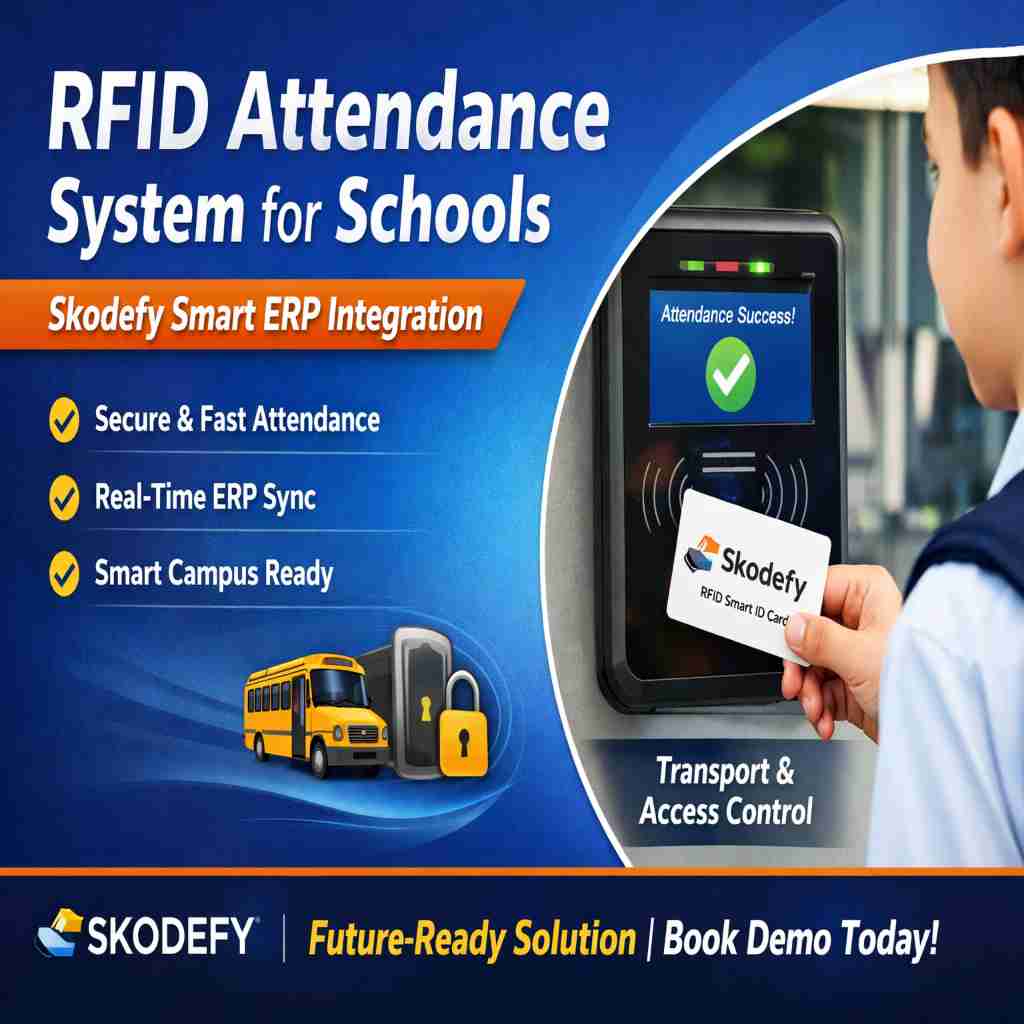
Teachers record present, absent or other approved attendance statuses against the correct date and class. Depending on the schools setup, entries may come through the app, RFID or biometric attendance process, with authorised staff checking exceptions before the day is closed.
Parent-facing attendance visibility
Once attendance is recorded, the relevant parent update can be sent through SMS or WhatsApp alerts. The office can refer to the same date and student entry if a parent replies that the absence was already informed or approved.
Follow-ups based on current attendance information
A coordinator checks the attendance record, identifies the student requiring contact, and sends a follow-up linked to that situation. If the parent responds later, the staff member can verify the entry before marking the matter for further action.
Manage Circulars and School Announcements in One Place
A circular is not just a message to be typed and forwarded. The office usually has to identify its audience, check the wording, issue it on the right date and answer later questions about whether it was sent. The ERP connects the notice preparation task with the parent communication task, so the staff member distributing it is working from the approved school update.
Create organised school notices
The administrator prepares the notice with a clear heading and message, then selects the classes or groups that should receive it. Important instructionssuch as document requirements, meeting details or schedule changesremain separate from routine reminders.
Share updates with the intended parent audience
The office chooses the recipient group instead of forwarding the same message to every parent. A notice for one grade, section or activity can therefore be sent to the relevant audience through available SMS or WhatsApp communication channels.
Support consistent communication across school teams
When a teacher, coordinator or receptionist receives a follow-up call, each authorised person can refer to the issued notice and its intended audience. That helps the school give the same answer instead of relying on different versions saved in personal phones.
Use Current Student Information for More Accurate Communication
A parent call often starts with a simple question but requires several checks: the students section, current contact details, attendance entry and any relevant school update. When those details sit in separate files, staff can easily refer to an outdated record. A central student profile gives the authorised team a common reference before a message or reply is sent.
Centralised student records
Admission and lifecycle details are maintained against the student profile, including the class or section in which the student is currently recorded. Staff do not need to search through old admission forms each time a parent asks about a school update.
Relevant information for parent follow-ups
Before making a follow-up call, the coordinator checks the specific student record and related attendance or communication detail. This is useful when a family has more than one child, when a student has changed sections, or when the parent refers to an earlier notice.
Shared visibility for authorised school teams
The principal, coordinator, class teacher or office staff can work from the same current information according to their access. A parent does not have to repeat the full history to each person handling the query.
Support Everyday Coordination Between Schools and Parents
The value of the workflow becomes visible in ordinary worknot only during admission season or annual reporting. A coordinator can start with an attendance entry, issue a related alert, and check the student profile when the parent replies. Each task has a clear place instead of becoming another loose item in the office diary.
Attendance-related parent updates
A class teacher records the days attendance. The coordinator reviews an unexplained absence, sends the relevant parent alert and refers to the same entry if the parent calls back later.
Important circular distribution
The office prepares a notice, selects the affected classes and sends it through the configured communication channel. Staff can refer to the issued message when parents ask about dates, instructions or submission requirements.
Student-specific communication and follow-ups
For an individual matter, the coordinator opens the student record, checks the relevant information and contacts the parent directly rather than sending a broad class message.
Coordinated updates across administrators, coordinators and parents
The office, class teacher and coordinator work from the same attendance, circular and student information. That makes the handover clearer when a query moves from the classroom to the administration counter.
Organised Communication for CBSE and ICSE School Requirements
CBSE and ICSE schools still depend on disciplined registers, dated notices and accurate student information, even when the parent communication happens through an app or message. Skodefy supports the administrative side of that work by keeping attendance entries, circular distribution and student details together for authorised staff to review.
Structured attendance communication
Attendance is recorded by date and student, then used as the reference for parent communication and internal follow-up. Staff can check the entry before treating an absence as unexplained, rather than relying on a separate handwritten list.
Managed circulars and parent updates
School notices are prepared for the intended classes or groups and distributed through the available SMS or WhatsApp alert process. This gives the office a more orderly way to handle repeated parent questions about what was communicated.
Accessible student information for school coordination
Current student records help teachers, coordinators and administrators refer to the same basic information while handling parent queries. That is particularly useful when communication involves attendance, class details or a student-specific follow-up.