Best School ERP Software: A Buyer’s Guide for School Leaders
Is Skodefy the right school ERP for your institution?
Choosing a school ERP is an operating decision, not just a software purchase. School leaders need to understand how the platform will fit their workflows, how staff and families will use it, and what support is available during rollout.
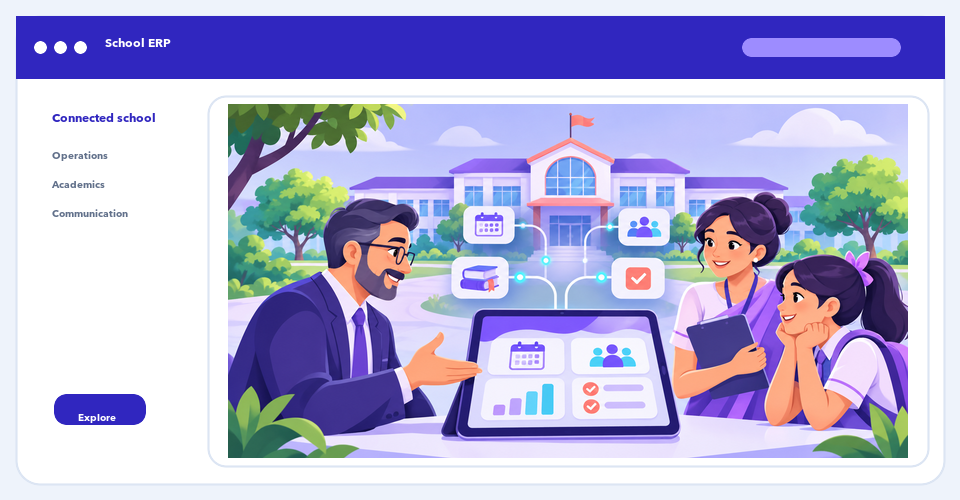
Skodefy is a connected school operations platform for institutions that want clearer ownership across admissions, student records, attendance, academics, fees, staff, transport, reporting, and parent communication. This page focuses on the questions a principal, trustee, or administrator should ask before requesting a proposal.
What should a school buyer evaluate first?
Start with the workflows that create the most manual follow-up: admissions, attendance, fee collection, academic records, staff administration, reporting, or communication with families. A useful ERP should make those workflows clearer without forcing every department to change at once.
Review the data each workflow needs, the people responsible for it, the approvals involved, the reports leadership requires, and the support staff will need to adopt the system.
Who should be involved in the decision?
A strong evaluation includes the principal or trustee, school administration, accounts, academic coordinators, teachers, and—where relevant—the team responsible for parent communication and transport. Each group can identify a different requirement that affects implementation.
How does the buying and rollout process work?
The process usually begins with a discussion about your current workflows, data, users, modules, integrations, and rollout priorities. The implementation plan can then cover configuration, migration, role setup, training, testing, and launch responsibilities.
What school leaders can expect from Skodefy
A clearer operating picture
Bring relevant attendance, academic, fee, staff, and communication information into reports that help leadership teams review follow-ups and priorities.
Defined responsibilities
Use role-based workspaces so principals, administrators, teachers, finance teams, parents, and students see the information and actions relevant to their responsibilities.
Structured implementation
Plan data preparation, configuration, training, testing, integrations, and rollout around the modules and operating model your school selects.
Scope-based planning
Shape the proposal around students, campuses, modules, integrations, reporting, support, and rollout complexity instead of buying an oversized feature list.
Choose the operating scope your school needs
Use these modules as a discussion framework for your proposal. The right scope depends on your school’s current processes, priorities, users, integrations, and rollout plan.
- Admissions and enquiries: Track applications, documents, follow-ups, registrations, and student onboarding in an organised workflow.
- Student information management: Keep student profiles, family details, academic history, documents, and status changes together.
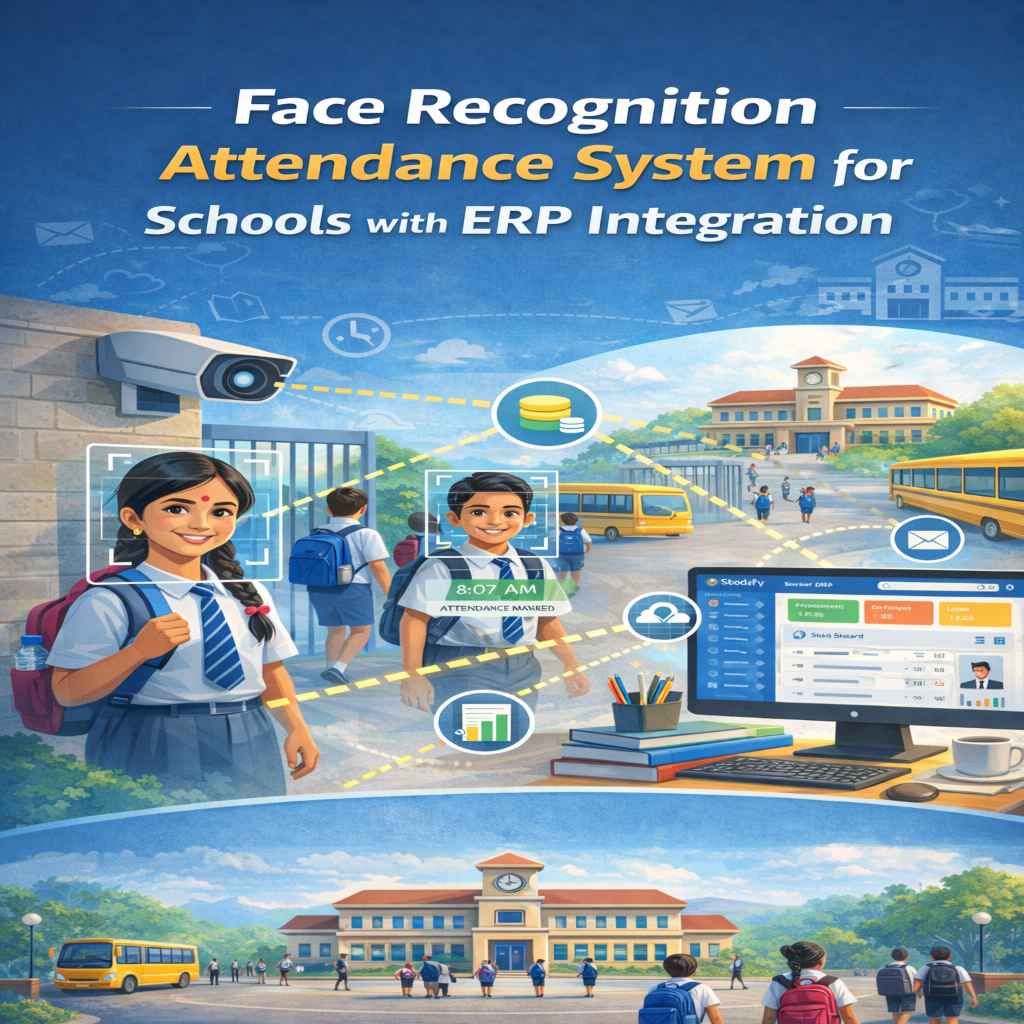
- Attendance management: Record student and staff attendance through supported devices and send timely updates to parents.
- Academic and examination management: Manage classes, subjects, timetables, lesson plans, exams, marks, report cards, and results.
- Fee management and online payments: Configure fee structures, concessions, instalments, receipts, dues, reminders, and payment tracking.
- Staff, HR, leave, and payroll: Maintain employee records, attendance, leave approvals, salary information, and related reports.
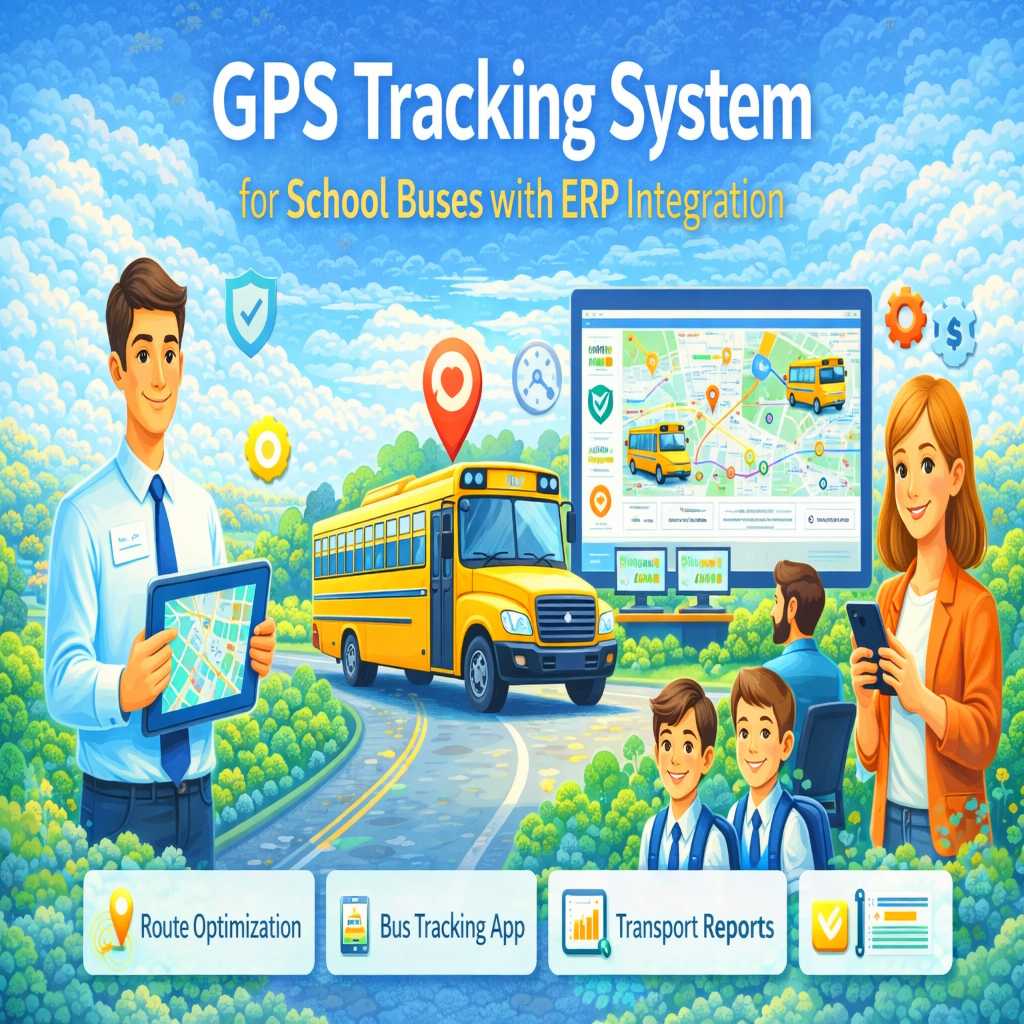
- Transport management: Organise routes, vehicles, drivers, students, and transport communication for safer daily operations.
- Library, inventory, and assets: Track books, issue and return activity, school stock, and important resources.
- Parent and staff communication: Send school notices, circulars, reminders, alerts, and updates through connected communication tools.
- Reports and compliance support: Create custom reports and organise information required for school reviews and government reporting workflows.
What a responsible implementation should include
Data preparation and migration
Review the quality, format, ownership, and required history of current student, staff, fee, and academic records before migration.
Role and workflow configuration
Define who can view, update, approve, and report on each area before staff begin using the platform in daily work.
Training and testing
Give key users practical training and test common workflows, reports, notifications, and integrations before the wider launch.
Ongoing review and support
Review adoption after launch, resolve questions, and adjust permissions or workflows as the school learns what it needs.
What to check before choosing the best school ERP
The best school ERP is not simply the one with the longest feature list. It should be easy for your people to use, dependable during busy school periods, and flexible enough for your processes.
- Connected data: Check whether a change to a student record updates the workflows that depend on it.
- Role-based access: Teachers, accountants, administrators, parents, and students should each see the information relevant to their role.
- Simple daily use: A good system should make routine work clearer, not add another complicated layer.
- Useful reports: Look for live dashboards, exports, academic reports, fee reports, and custom reporting options.
- Reliable support: Onboarding, data migration, training, and responsive support matter as much as the software itself.
- Room to grow: Choose a platform that can support more students, new modules, multiple branches, or changing school requirements.
Cloud-based, secure, and built for everyday school work
A cloud-based school ERP allows authorised users to access the system from supported internet-connected devices without maintaining a separate server at the school. Skodefy combines role-based access, secure login practices, backups, and permission-aware workflows to help protect sensitive student and financial information.
Every school has its own policies and responsibilities, so implementation should include sensible access settings, staff training, and regular review of user permissions. Technology works best when the people using it understand both the workflow and the reason behind it.
How to prepare for a product conversation
Bring a short list of current systems, recurring manual tasks, user groups, student and campus counts, integrations, reports, and rollout constraints. This helps the school and provider discuss a realistic scope.
It is also useful to identify one or two workflows that should improve first. A focused starting point makes it easier to evaluate adoption, support, and operational value before expanding the rollout.
School ERP implementation and onboarding
Implementation is planned around your selected modules, school data, user roles, integrations, training needs, and rollout complexity. The Skodefy team can help prepare the data, configure workflows, train key users, and review the launch plan with your school.
How is Skodefy School ERP pricing decided?
Pricing is enquiry-based and depends on factors such as students, campuses, selected modules, integrations, onboarding, implementation, support, reporting, and rollout requirements. Review the school ERP plans or request a proposal for your institution.
Questions school leaders ask before choosing an ERP
How is school ERP pricing decided?
Pricing depends on students, campuses, selected modules, integrations, reporting, support, onboarding, and rollout complexity. A proposal should reflect the scope your institution actually needs.
Can our existing student and finance data be migrated?
Existing records can be reviewed and prepared for migration. The process depends on the format, completeness, history, and data fields your school needs to retain.
How should we plan the school ERP rollout?
Begin with the workflows that create the most manual follow-up, then plan configuration, data preparation, role setup, training, testing, and a phased launch around those priorities.
Can access be separated by role and responsibility?
Yes. Role-based permissions can be configured so leaders, administrators, teachers, finance teams, parents, and students receive access appropriate to their responsibilities.
What should we ask about support after launch?
Ask how the provider handles training, implementation questions, workflow changes, reporting needs, integrations, account ownership, and service-level expectations.
Make school operations easier to manage
School ERP software should give your team more clarity, not more work. Skodefy connects the information schools use every day so administrators, teachers, parents, and leaders can work from the same picture.
Explore the school ERP features, review the available plans, or learn more about the Skodefy school management system.